You Asked, We Delivered: Meet the Wishlist Manager
Your wishlists, finally given the home they deserve
Drew
May 14, 2026 · 3 min read
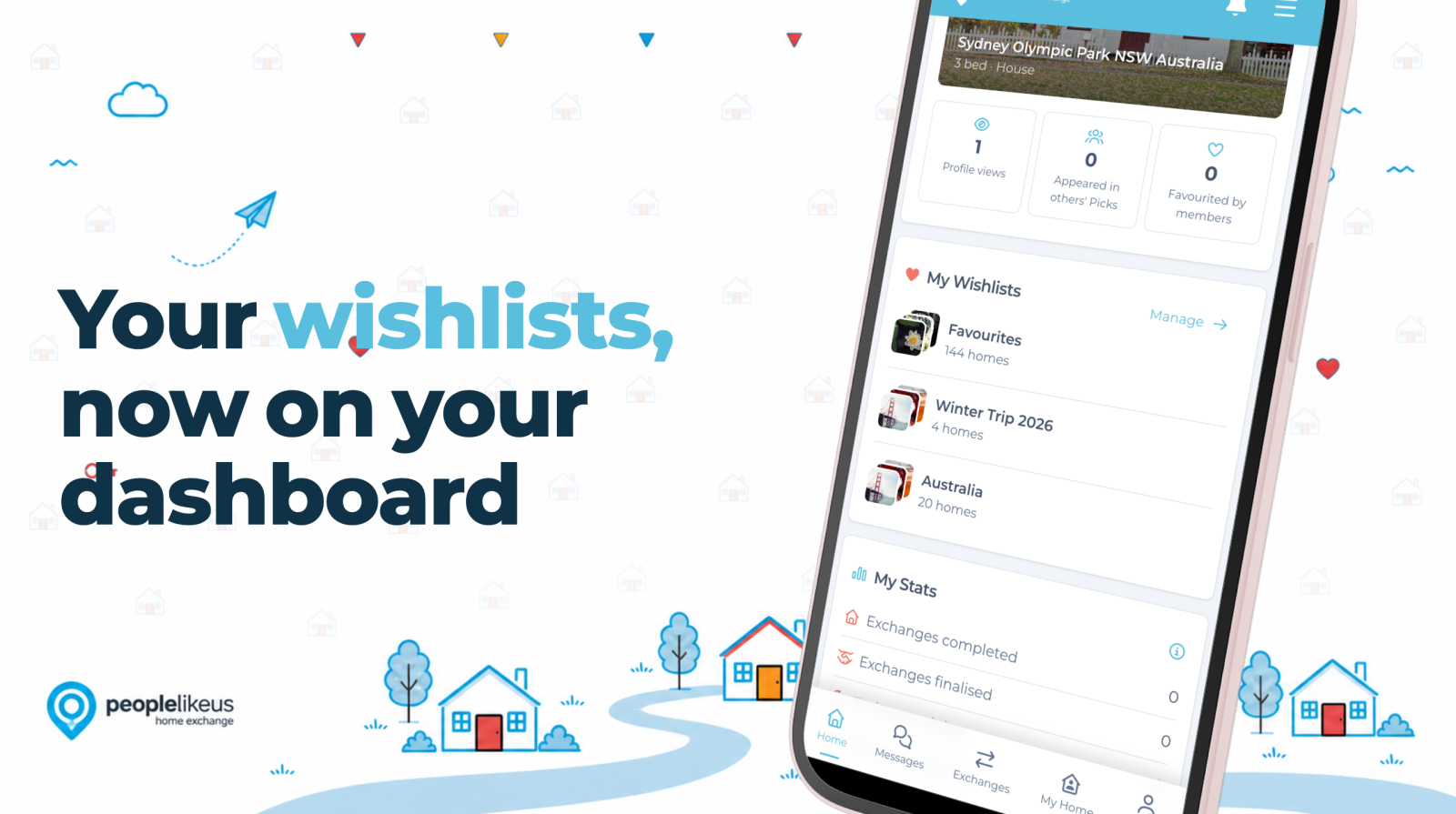
When we launched the redesigned member dashboard last week, the feedback came in fast — and one request kept coming up over and over again: "This is great, but can we get our Favourites in here too?"
Fair point. Wishlists have been part of PLU for a while now, but let's be honest — they were a bit hidden away, and managing them wasn't as easy as it should have been.
You could create them, sure, but actually using them day-to-day? A bit clunky. So we got to work.
The result is the Wishlist Manager — the same wishlists you've always had, but now with a proper home, a proper interface, and a front-row seat on your dashboard.
Right there on your dashboard
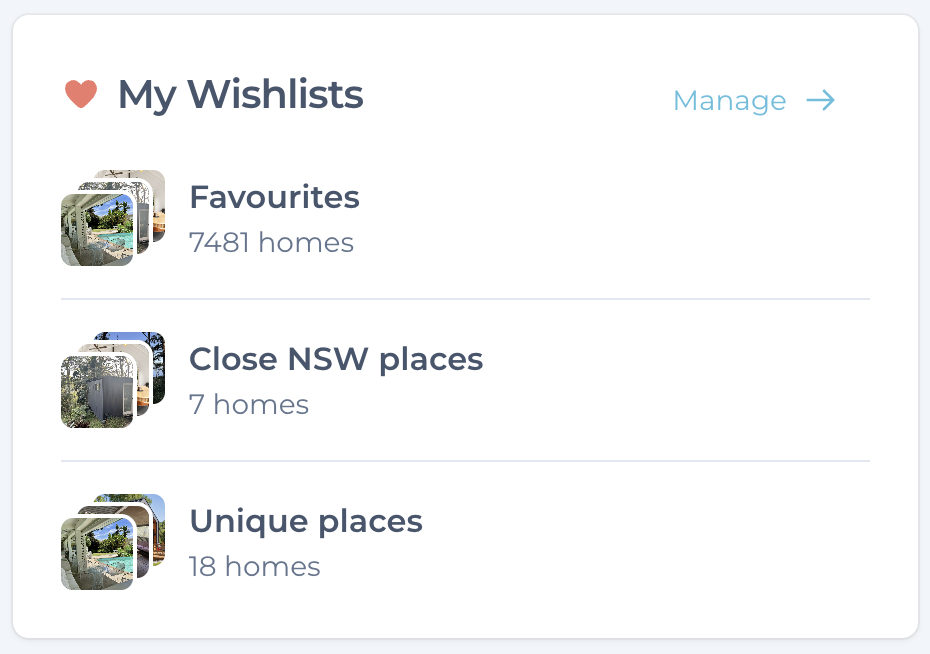
This was the big ask, and rightly so. Your top five wishlists now appear directly on your dashboard, each with a little thumbnail stack of the homes inside. A glance is all it takes to jump back into whatever trip you're dreaming up — no more digging around to find them.
A dedicated manager
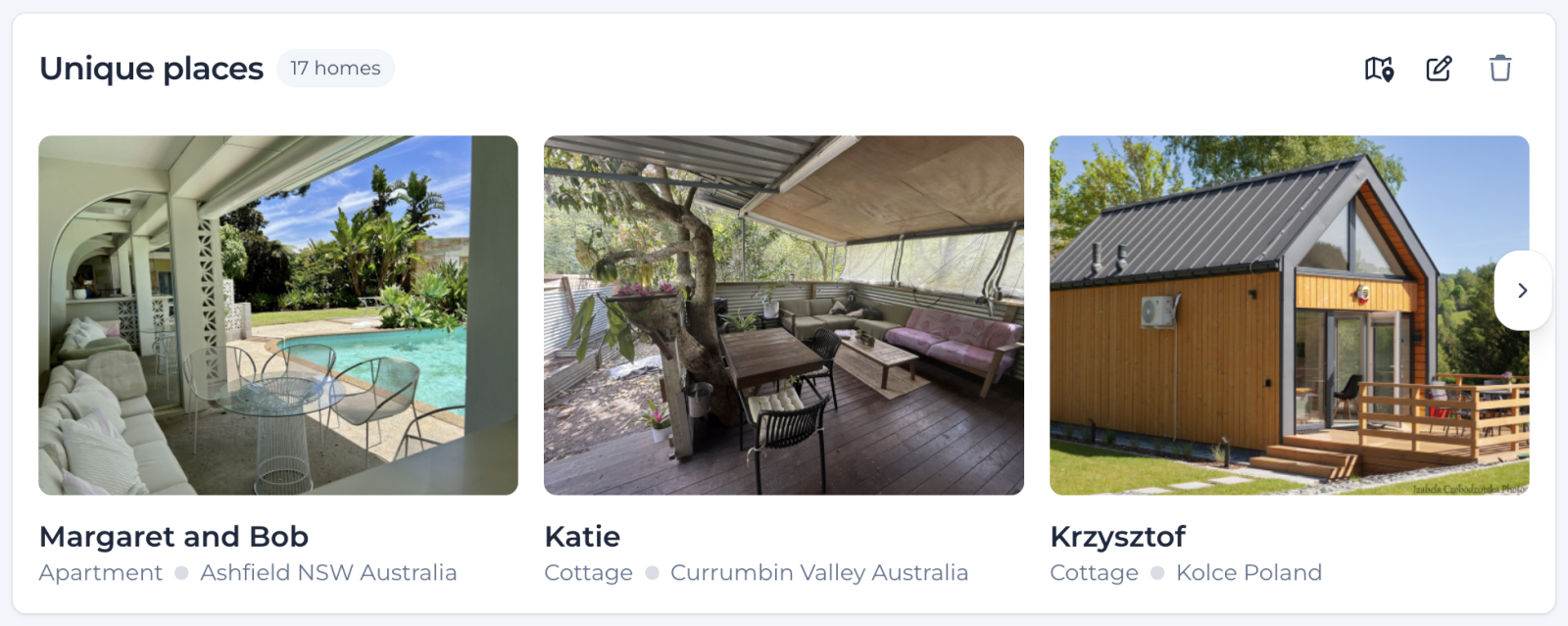
There's now a full index page showing all your wishlists in one place, and each list gets its own detail page with an infinite-scroll grid — so you can sit back with a cup of tea and properly browse through the homes you've saved for that European summer. Rename a list, delete one you've outgrown, or remove individual homes from any list — all from the same place. No fuss.
Smarter saving from the Homes page
When you're browsing homes and want to save one, the platform now remembers which list you last saved to, so adding to the right wishlist is a single tap. Your Favourites list is always there as your default — and you can create as many named lists as you like alongside it, with optional descriptions if you want to flesh out the idea.
Think "Italy Trip", "Summer 2026", "Beach Houses (For Someday)", or "Maybe Retirement?" — whatever way you actually think about your travel.
Have a play
The Wishlist Manager is live for all members right now, and you'll also find it linked from your dashboard and from the Homes page whenever you save a home.
All your existing wishlists are waiting for you exactly where you left them — they've just been given the room to breathe they always deserved. And as always, Member Support is right here if you get stuck or have ideas for what we should build next.
What do you think? Tell us in the comments! 💜
Happy organising. 🏡
The World's Most Walkable Cities — And Why They're Perfect for Home Exchange
NextTrading Houses, Not Dreams
Comments (3)
Log in to join the conversation.

Fantastic Drew. Always evolving. This is great.

I am struggling to transfer my favourites into a new wishlist. It would be good if we could drag and drop. Can you please explain how to get existing favourites into newly created wishlist folder? I have tried clicking on a favourite but it just takes me to the home search page. Cheers Yvonne

Hi Yvonne, when we did wishlists last year, we just copied over your existing favourites to a wishlist named "Favourites". It is a wishlist and the only special property is that you can't delete a wishlist named "Favourites" (as some people did and that was a bit of a headache). Apart from that, it functions the same as any other wishlists so you don't need to do anything special with it. You can just create new wishlists and add new homes to them.