Introducing Saved Searches & Default Filters
A better way to search for your next exchange
Drew
Feb 5, 2026 · 4 min read
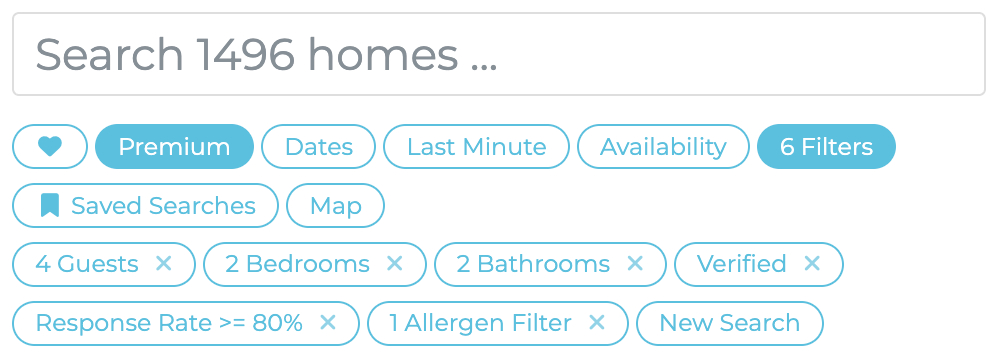
Finding your perfect exchange just got easier! We're excited to introduce Saved Searches and Default Filters — two new features that let you spend less time setting up filters and more time discovering amazing homes.
What's New?
Saved Searches let you save your favourite filter combinations so you can reuse them anytime. If you're always searching for pet-friendly homes with a pool in Southern Europe, now you can save those exact filters and apply them with a single click.
Default Filters take it a step further — set any saved search as your default, and those filters will automatically apply every time you visit the Homes page. No more starting from scratch each time you browse! Always need cat free homes because of your allergies? Set a Default Filter!
How to Save a Search
Open the Filters panel on the Homes page and set up your preferred filters — location, accommodation, exchange types, features, whatever matters most to you.
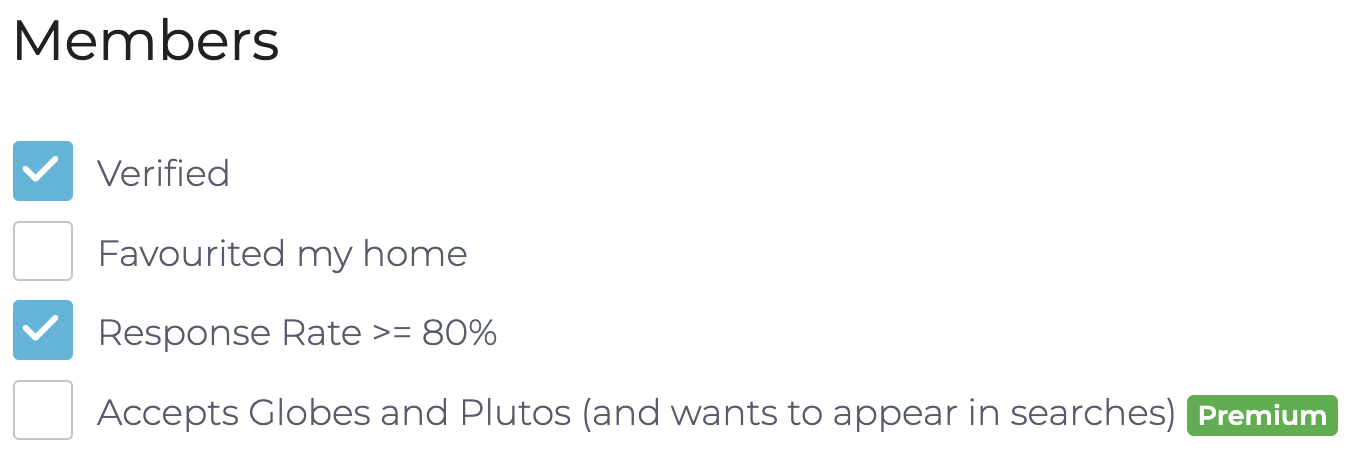
When you're happy with your selection, click the Save Search button (bookmark icon) at the bottom of the panel. You'll be asked to give your search a name — something like "Beach houses in Spain" or "Family-friendly Europe" works great.

Your search is now saved and ready to use whenever you need it!
How to Set Default Filters
Want your favourite filters applied automatically? You have two options:
Option 1: From the Filters panel
Set up your filters, then click the Save as Default button (star icon). Your filters will be saved and applied immediately — you'll be taken straight to your filtered results.
Option 2: From your Saved Searches
Click on Saved Searches to see all your saved filters. Find the one you want as your default and click the star icon next to it.
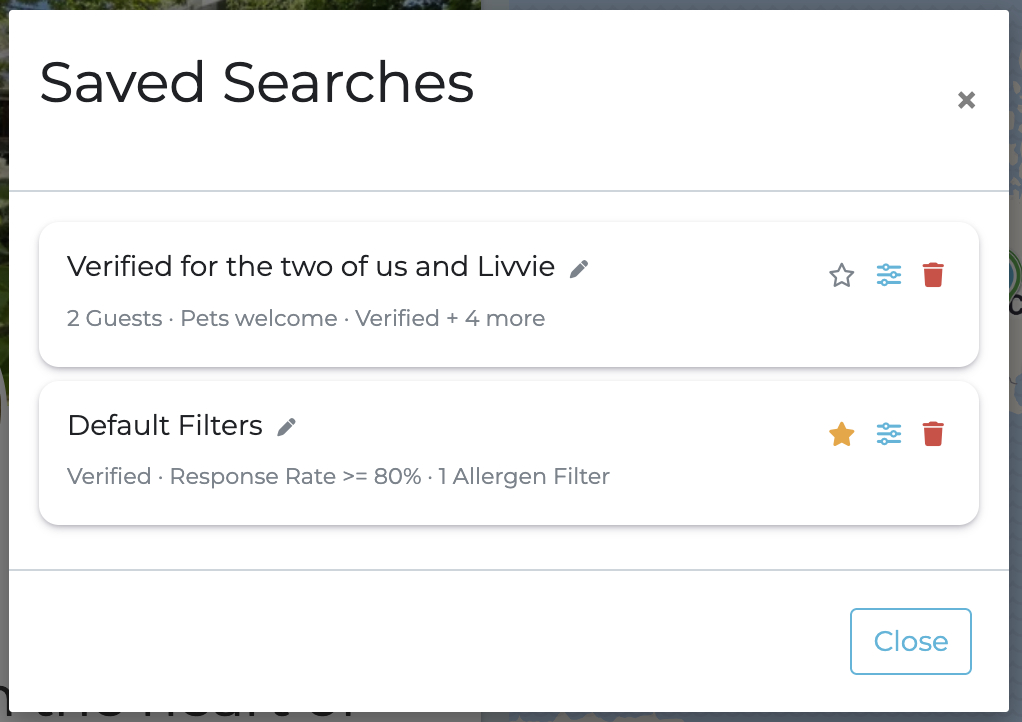
The filled star shows which search is currently your default.
Managing Your Saved Searches
Click Saved Searches in the Homes menu to view, edit, or delete your saved filters.

From here you can:
- Click any search to run it immediately
- Edit the name by clicking the pencil icon
- Edit the filters by clicking the sliders icon
- Set or clear your default by clicking the star icon
- Delete a search by clicking the trash icon
Resetting to Defaults
Changed your mind? No problem! If you have default filters set, you'll see a Reset to Defaults button in the Filters panel. Click it to clear any changes and return to your saved default filters.
If you want to see all homes without any filters, simply click Clear All in the Filters panel, or remove your default by clicking the filled star in your Saved Searches.
Filter Chips — See Your Filters at a Glance
We've also made it easier to see which filters are currently applied with the new Filter Chips feature.

Your most-used filters (favourites, dates, last minute, and more) are still available with a single click. But now, all your active filters appear as chips at the top of your results — giving you a clear view of what's filtering your search. Want to remove one? Just click the chip to turn it off instantly.
Why You'll Love It
Whether you're a spontaneous browser or a methodical planner, these features adapt to your style:
- Save time — no more re-entering the same filters every visit
- Stay organised — keep different searches for different trip ideas
- Jump right in — your default filters mean the Homes page is always personalised for you
We hope Saved Searches and Default Filters make your home exchange journey even more enjoyable. As always, if you have any questions, our friendly Member Support team is here to help.
Happy browsing! 🏡
Our “Later in Life” Gap Year - Made Possible by People Like Us
NextMake Travel Personal Again!
Comments (0)
Log in to join the conversation.