🔐 New: Extra security with Two-Factor Authentication (2FA)
An optional new security measure to add extra protection to your account
Drew
Dec 5, 2025 · 3 min read
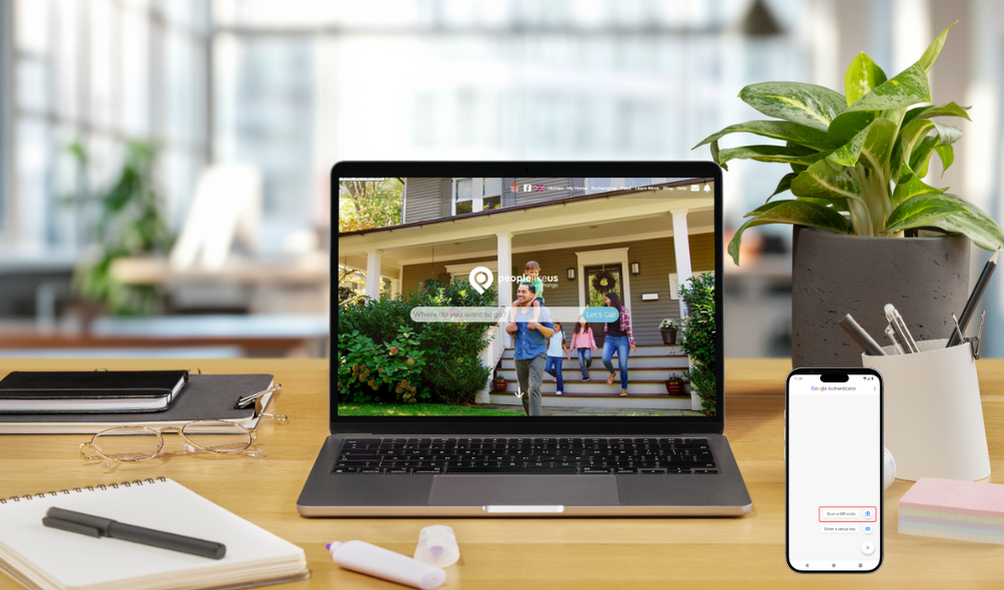
2FA is an optional security feature you can enable to add an extra layer of protection to your account — and we strongly recommend it for all members.
2FA helps keep your account safe even if your password is ever compromised. In addition to your usual password, you’ll enter a one-time code generated by an authenticator app on your phone. This means that only someone who knows your password and has physical access to your phone can sign in.
2FA is being made available progressively to our members to make sure our policies work well and that we can provide sufficient help to our members as they go through the process.
If you don't see it available yet on your member profile, don't worry, it'll be available soon.
To set up, go to your Member Profile where you'll see an option to Enable Two-Factor Authentication. It's down the page a bit, so scroll down until you see:
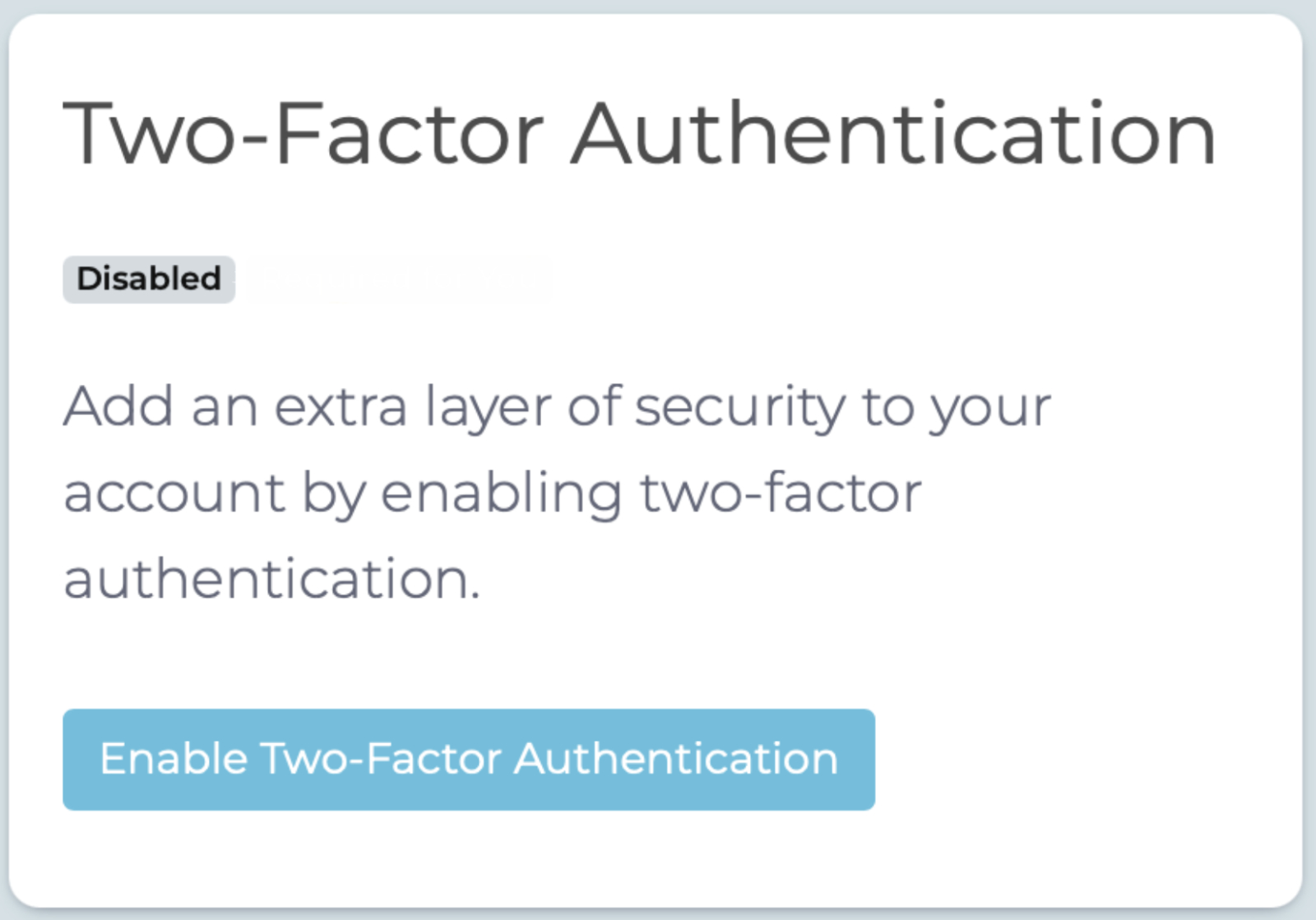
After you click the button to enable, you'll see the setup screen:
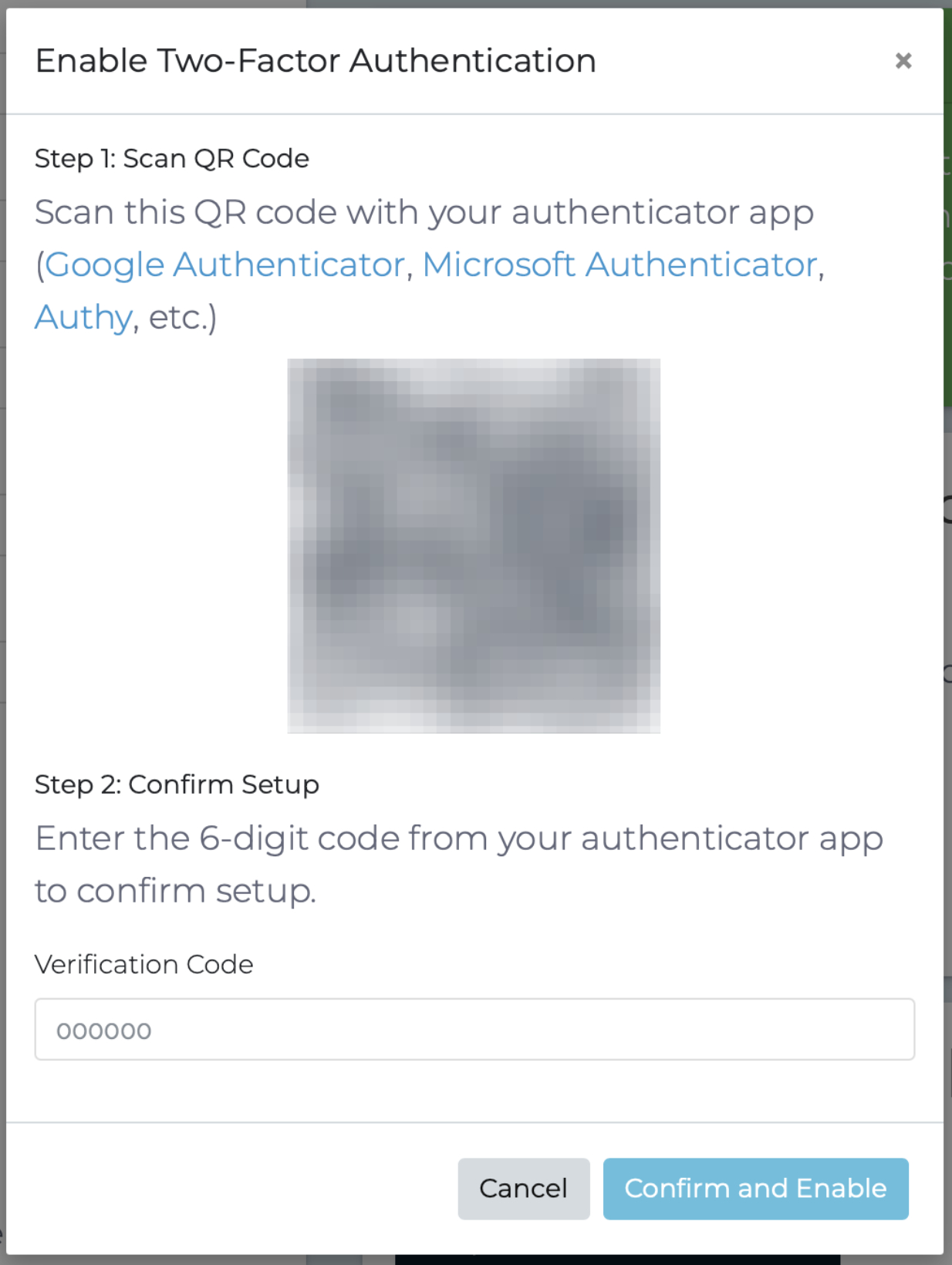
Download the authenticator app of your choice, Google Authenticator, Microsoft Authenticator, Authy or any other.
Follow the instructions in the app to add a new site. On Google Authenticator, for instance, you click the "+" button. Then, either:
- Scan the QR code, or
- Enter the code that you see on your screen below the QR code.
👉 Important: you must scan the QR code from within the authenticator app. Scanning it with the regular camera will not work.
The app will give you a code which refreshes every minute or so. Enter the code in the Verification Code field on the People Like Us screen, then click Confirm and Enable.
You'll receive a number of one-time codes that can be used in case you don't have access to your authenticator app. These are best saved in a password manager or somewhere else safe.
That's it for the setup!
You only need to install the authenticator app on one device, even if you use People Like Us on multiple devices. The app on your mobile device can provide verification codes for that device, for your iPad/tablet and also your laptop/desktop.
When you next log in, after you enter your email address and password, People Like Us will ask you for a Verification Code which you get from your authentication app.
If you need a hand, you can view the instructions in our FAQ Section or our friendly Member Support team is always here to help.
We’ve introduced 2FA as part of our ongoing commitment to protecting your data, your identity, and your travel arrangements. With more accounts online than ever before, simple passwords alone are no longer enough — this small extra step provides a big boost in security, with minimal effort each time you log in.
🔐 Two Factor Authentication (2FA) is Coming Soon to People Like Us
NextWho is People Like Us?
Comments (0)
Log in to join the conversation.